
Eau by TUSHY error codes and display guideUpdated 4 months ago
The Eau's digital display shows what's happening with your toilet in real time. Here's how to read it.
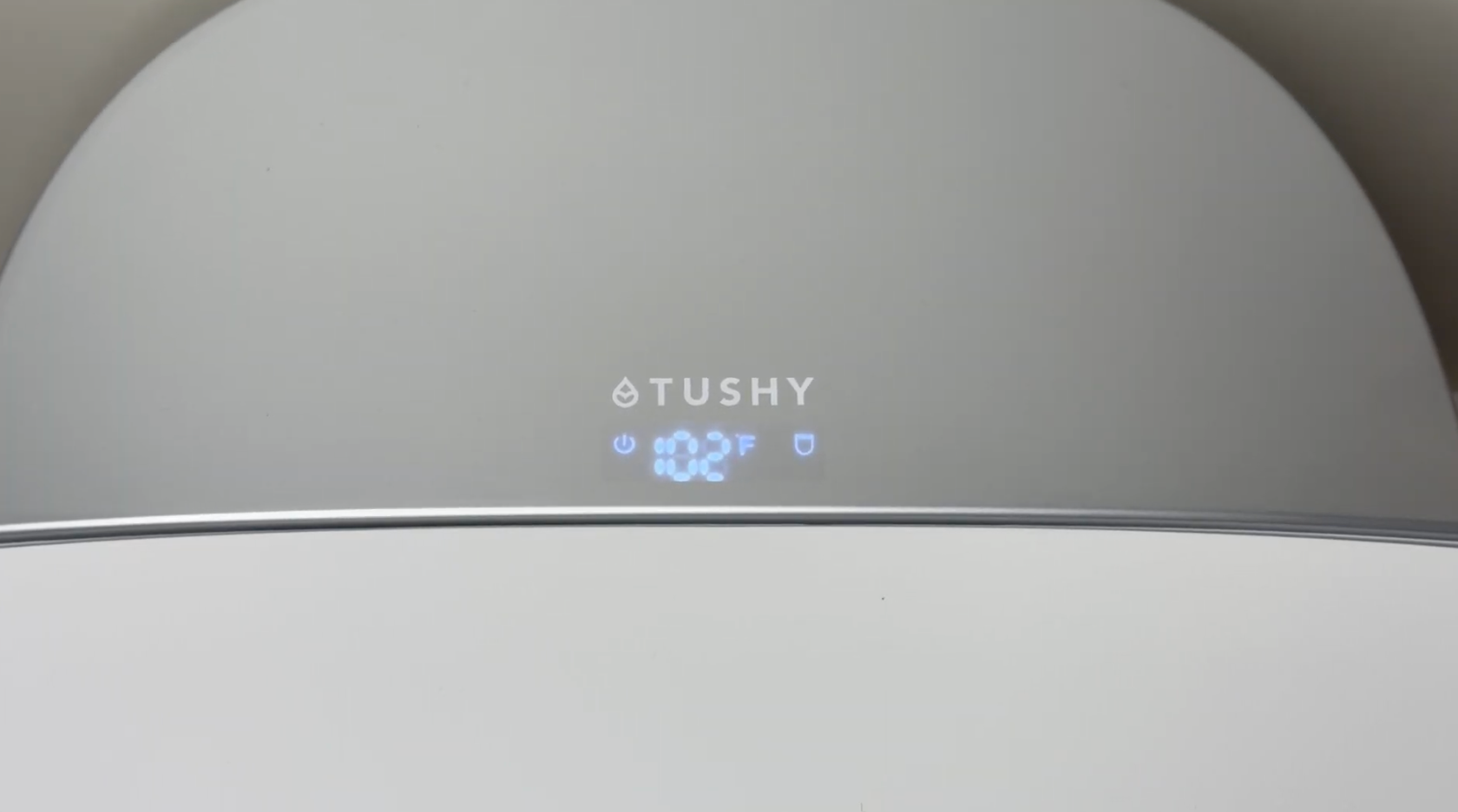
What the display shows during normal use
Display | What it means |
Water temperature icon + number | Water temperature is selected and active |
Seat temperature icon + number | Seat temperature is selected and active |
Dryer temperature icon + number | Dryer is active |
Display is off | The unit has been powered off |
*The display shows temperatures in Fahrenheit.
Error codes
Code | What it means | What to do |
E5-A | No water reaching the product | Check that your water supply valve is fully open (turn counter-clockwise). Check hoses for kinks. |
Eau displayed | Electrical frequency interruption | Unplug the unit, then plug back in to reset. If it persists, contact us at [email protected]. |
Display shows "Eau"
This means the toilet detected an interruption in the electrical frequency from the required 60Hz. It usually clears with a reset:
- Unplug the power cord.
- Wait 30 seconds.
- Plug back in.
If the code keeps coming back, contact us. It may indicate an issue with the outlet or electrical supply.
No display at all
If the display is completely dark and the toilet isn't responding:
- Make sure the power cord is fully plugged into a working 3-prong GFCI outlet.
- Reset the GFCI outlet by pressing the reset button on the outlet face.
- Check that the outlet has power (try plugging in another device).
→ See: Eau by TUSHY not turning on or responding
Still seeing an error? Reach out here, and we'll sort it out!